
Local LLMs: Ollama, LM Studio and MLX
Why This Matters
Some code cannot leave the building, some teams want predictable costs, and some tasks are simple enough that a small model is fine. Local models make that possible. They also have clear limits, and knowing those limits saves you a lot of frustration.
Three ways to run models locally
| Tool | What it is | Good for |
|---|---|---|
| Ollama | CLI and local server, simple model management | Quick start, scripting, connecting agents |
| LM Studio | Desktop app with model browser and local server | Trying many models, a GUI for the whole team |
| MLX | Apple’s machine learning framework for Apple Silicon (mlx-lm for language models) | Fast inference on Mac, fine-tuning experiments |
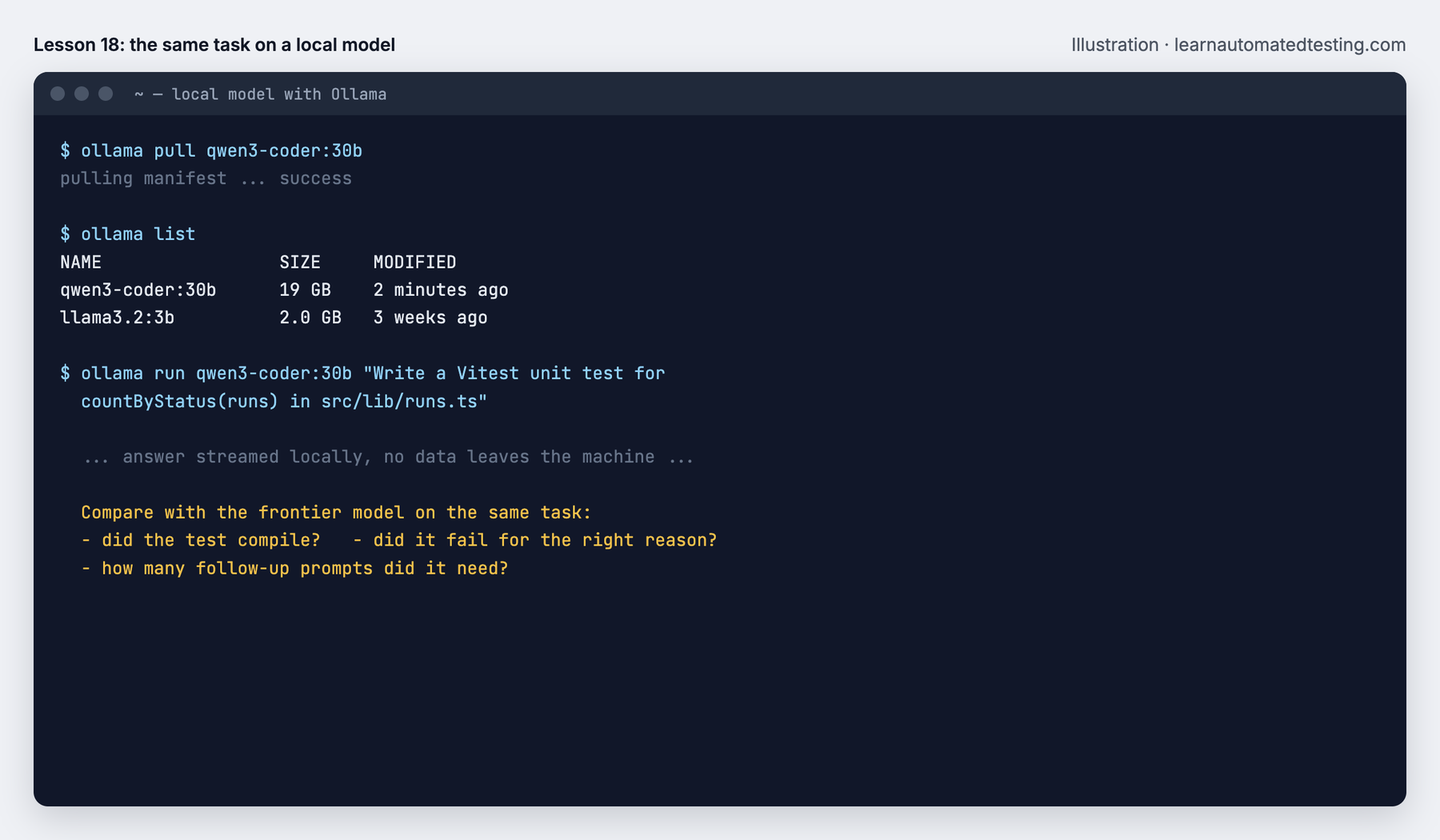
Connect an agent to a local model
Ollama supports a subset of the Anthropic Messages API (since v0.14), so you can point Claude Code at it:
export ANTHROPIC_AUTH_TOKEN=ollama
export ANTHROPIC_BASE_URL=http://localhost:11434
claude --model qwen3-coder
Harnesses such as OpenCode and Pi can also talk to local OpenAI-compatible servers (LM Studio and Ollama both offer one). Whichever you use: the model must support tool calling and needs a large enough context window for agent work; small default context sizes are the most common cause of strange behaviour.
When local is enough, and when it is not
Local models do well at:
- explaining code, writing docstrings and commit messages;
- small, well-specified edits and unit tests for pure functions;
- working with sensitive code that may not go to a cloud provider.
Frontier models still win clearly at:
- multi-file features and long agent loops with many tool calls;
- debugging that needs many steps of reasoning;
- following long instruction files and skills reliably.
Weigh privacy and cost against quality and speed
Make the decision with data, not opinions. Run the same three tasks on a local and a frontier model and record:
- Did the result compile and pass the tests?
- Did the tests fail for the right reason first (lesson 13, Test-First with an Agent (TDD))?
- How many corrections did you need?
- Time and cost (including your own time).
Often the answer is a mix: local models for sensitive or routine work, a frontier model for complex changes, and the same gates for both.
Hands-on
- Install Ollama or LM Studio and pull a coding model that fits your machine’s memory.
- Connect your agent harness to it.
- Run the three-task comparison and write down the result for your team.
Walkthrough in TestRun Board
Run the same small, well-defined task on a local model and on a frontier model:
- Task: “Add a unit test to tests/lib/runs.test.ts for formatStartTime with a timestamp just before midnight UTC (2026-11-26T23:59:00Z). Run npm test.”
- With Ollama running and a coding model pulled, start Claude Code against it:
export ANTHROPIC_AUTH_TOKEN=ollama export ANTHROPIC_BASE_URL=http://localhost:11434 claude --model qwen3-coder - Give the task, note the result, then run it again in a normal session.
- Score both with the questions from this lesson: did the test compile, did it assert the exact value
'23:59', how many follow-ups were needed, and didnpm run checkstay green? The hooks and the pre-commit check work the same for both models.
Key Takeaways
- Ollama, LM Studio and MLX make local models practical, especially on Apple Silicon.
- Agents need tool calling and a large context window; check both.
- Local is strong for small, sensitive or routine tasks; frontier models for complex agent work.
- Decide with a measured comparison, and keep the same gates for every model.